Many see Aspire as a full orchestration suite, but the Dashboard can run standalone.
If you want a beautiful, real-time UI for your logs, traces, and metrics without the full orchestration overhead (or if you’re working on a non-Aspire project), you can run it solo. It’s a perfect, lightweight OTLP-compatible viewer for any language. C#, Go, Python, you name it.
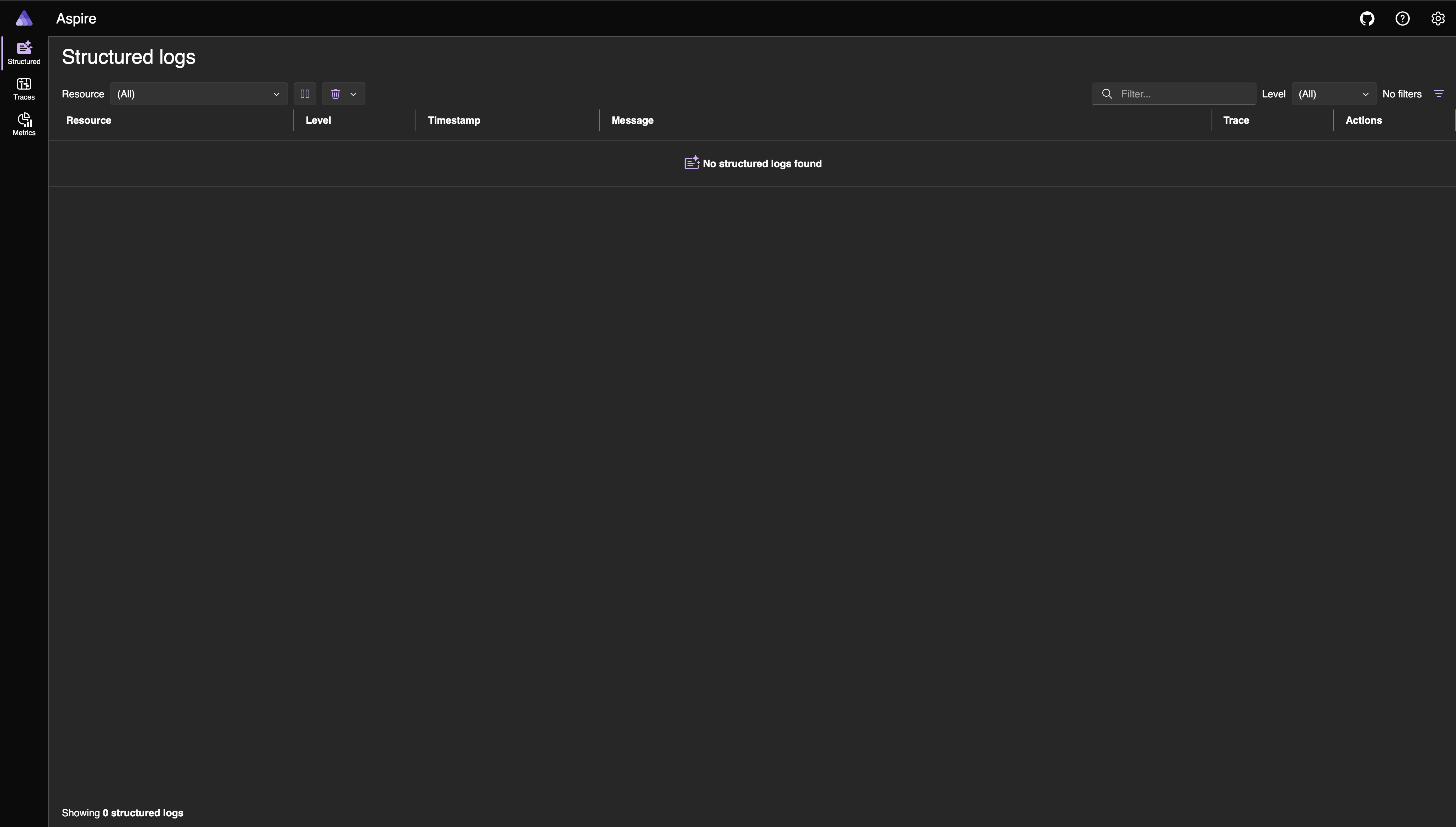
Run it via Docker
This is the fastest way to spin it up:
docker run --rm -it -p 18888:18888 -p 4317:18889 -p 4318:18890 --name aspire-dashboard mcr.microsoft.com/dotnet/aspire-dashboard:latest
- Port 18888: The Dashboard UI.
- Port 4317: OTLP/gRPC ingestion.
- Port 4318: OTLP/HTTP ingestion.
Accessing the Dashboard
By default, the dashboard is secured.
When it starts up, it generates a unique Browser Token for your session.
If you use the docker run command, the dashboard will print a login URL to the console.
If you missed it, just check the logs:
docker logs YOUR-CONTAINER-NAME
Look for a line that says: Login to the dashboard at http://0.0.0.0:18888/login?t=YOUR_TOKEN_HERE
Why use the standalone Dashboard?
- Instant Setup: Works out of the box. Set your OpenTelemetry exporter to
http://localhost:4317to start immediately. - Polyglot: It uses standard OTLP, so it works with any app, not just .NET. Making it easy and flexible for varied environments.
- Local-First: It’s built for the “inner loop” of development. No extra infrastructure is needed.